Online management for employees and self-employed workers.
Your medical history and payment management in one click.
Contact


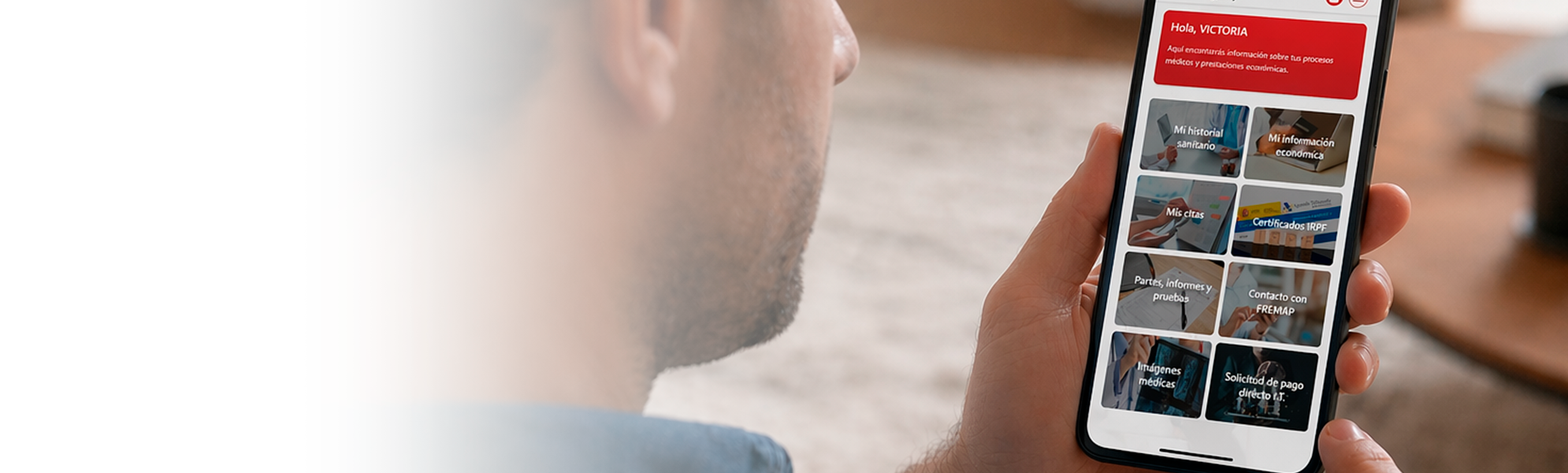
Access the information from a private and secure environment without having to visit a FREMAP office.
Your health and administrative information, always with you, available 24/7.
You can also download the FREMAP Contigo app from the following links:
If you have an electronic certificate, you can identify yourself or register directly with FREMAP Contigo.
With your user credentials, you can identify yourself or register at FREMAP Contigo if you are or have been a FREMAP patient.
or press on Create your account here.
From “I forgot my password”, enter your National ID No. and the email address you have registered with FREMAP Online. You will receive a temporary password by email. Then you will need to validate it with a code (SMS or email) and change it for a final one.
To register and receive the SMS with the temporary password, you must be, or have been, on disability leave and have visited a FREMAP office at some point. If you meet these conditions and still do not receive your temporary password, you must contact FREMAP to verify that your mobile phone number is correct.
Please note that if you have a digital certificate, you can register without ever having visited a FREMAP office by logging in without a password.
You do not need any documentation. To register, you only need to be, or have been, associated with FREMAP, have been on disability leave and have visited a FREMAP office at some point. Please note that, if you have a digital certificate, you can register without ever having visited a FREMAP office.
FREMAP Contigo is a website (https://contigo.fremap.es), compatible with any fixed or mobile device (computer, tablet, mobile).
There is also an APP version of FREMAP Contigo that is compatible with iOS 13.0 or higher and Android 11.0 or higher.
If the device cannot be updated to iOS/iPadOS 13 or higher, the app will not appear in the App Store. In that case, FREMAP Contigo can always be accessed via the website from the browser, without restrictions in terms of the operating system's version.
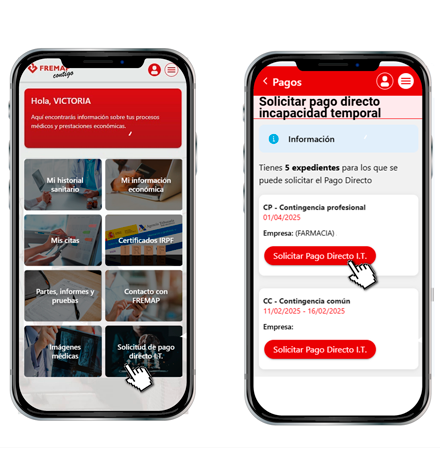
If you are currently on, or have previously been on, temporary disability (TD) leave, in some cases you can apply for direct payment, which will be made directly to you by FREMAP. This application should only be made if one or more of the legally established cases applies. You can submit your application through FREMAP Contigo and avoid trips to the office, by accessing it from here.